The Email Architect
When someone joins your list, they get a 20-email nurture in your voice, one a week, sent from your own domain, forever.

Start your 7-day free trial.
Part of the Lead Agent Stack.
Your homepage talks to nobody
Hi Sam
Your homepage is probably written for someone who already agrees with you.
That is why it falls flat, you know your product like the back of your hand while everyone reading it lacks that context.
Go read how your buyers talk when they are frustrated and think nobody is listening, the one-star reviews, the late night forum posts. Write their exact words down and build the page from those.
I put the full process, and the prompt that does it in one pass, into a short guide. It takes about ten minutes.
P.S. Hop on a call and we can run it live on your own market.
- Qualified against your saved ideal customer first.
- Written in your voice, not a template.
- Sent from your own domain, one a week.
How The Email Architect works.
The agent's actual steps.
-
01
The doors in
-
02
Enroll and qualify
-
03
The ways out
-
04
Write the loop
-
05
Send exactly once
-
06
Run forever
This is the starting point.
After it is deployed, tell Autoploy what to change, in plain words, and it changes.
How you get it running.
-
01
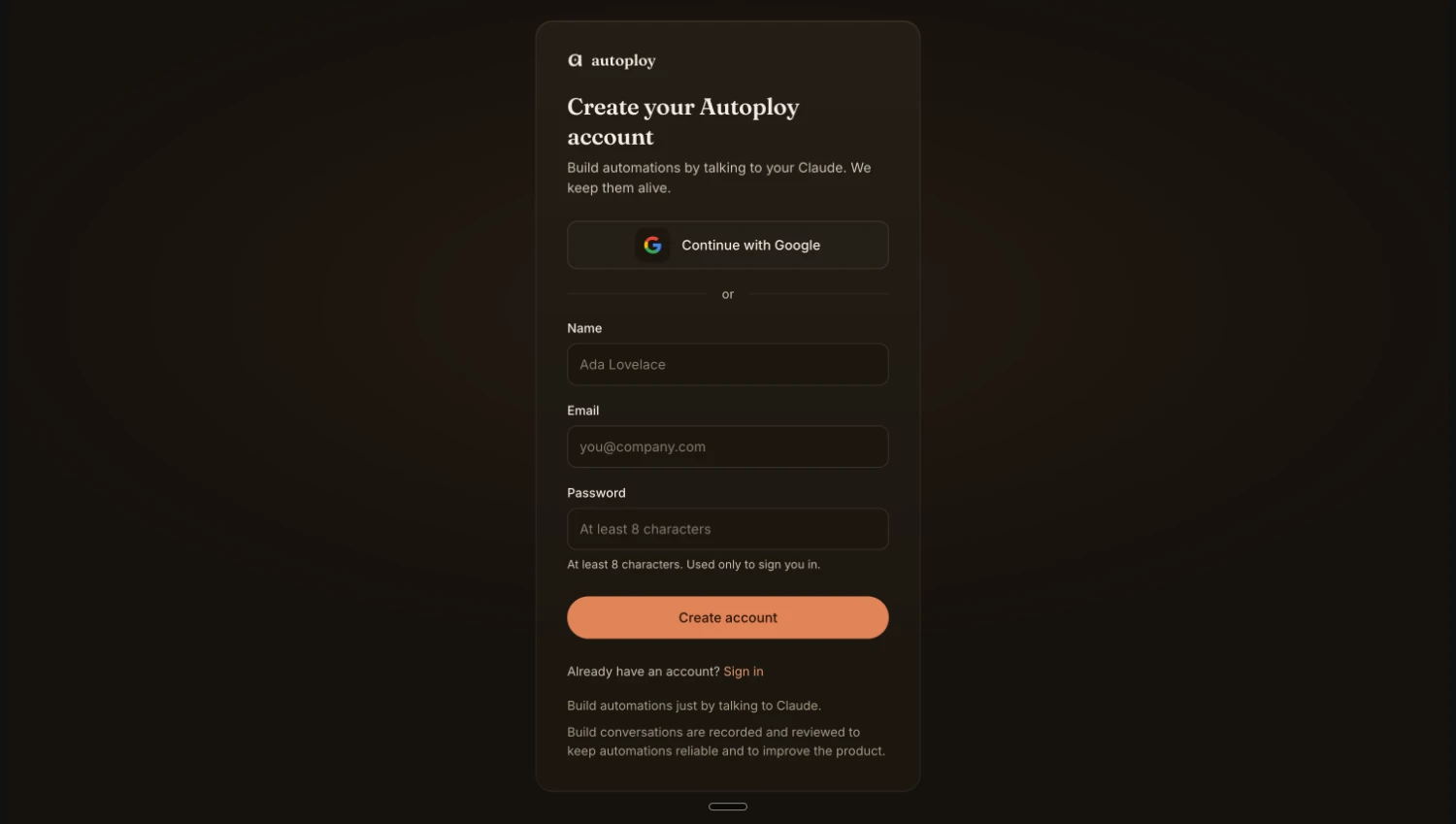
Create your free account. No card needed.
-
02
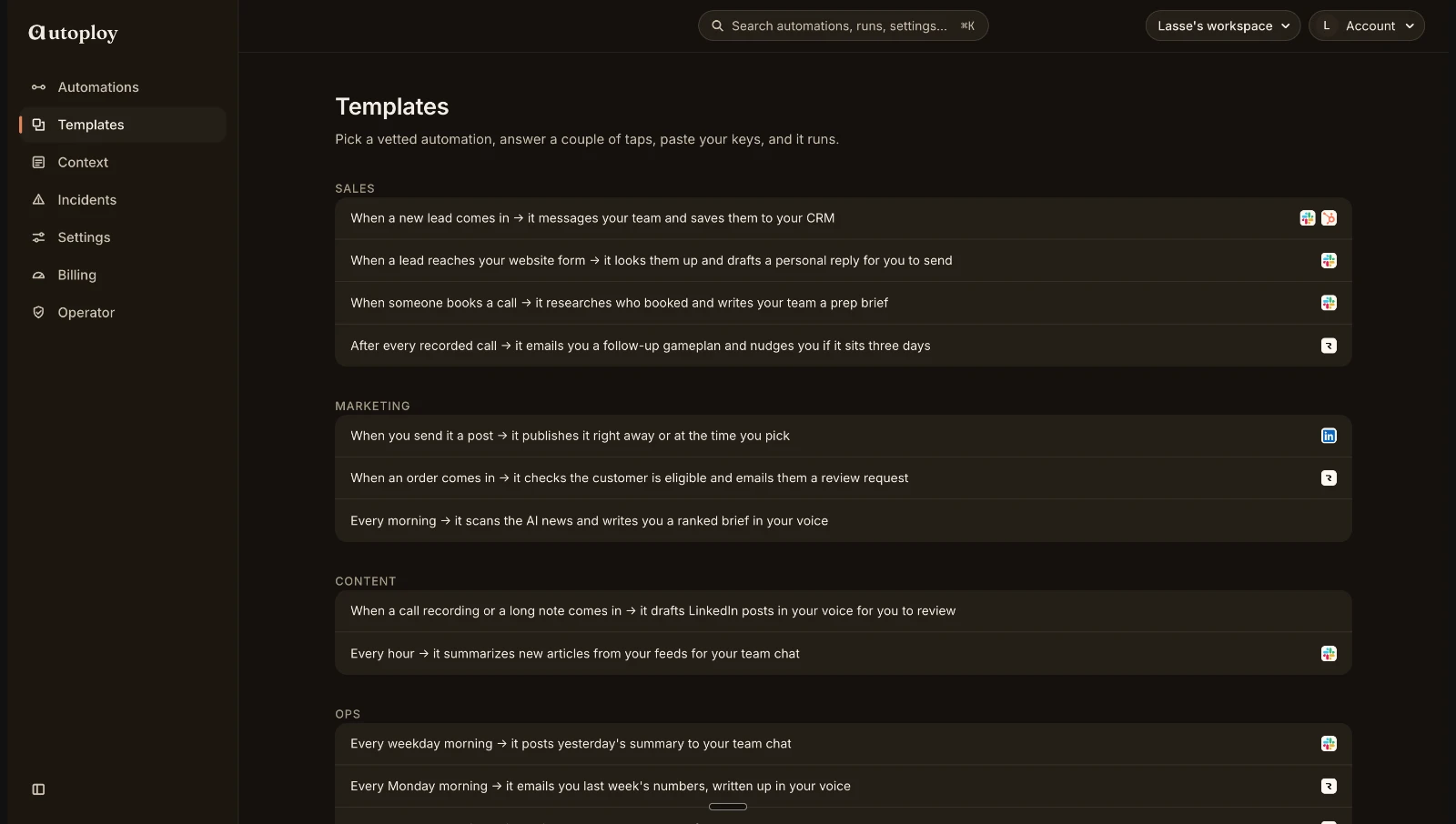
Pick up your agent. It's waiting on your dashboard.
-
03
Hand it your two keys. Claude writes, your domain sends. About 3 minutes.
-
04
Read the 20 emails, say approve, and it runs itself.
Live in minutes. Nothing charged before day 7.
Common questions
Do I need a CRM or a tool like Encharge?
No. The agent keeps your subscribers in a simple list for you and sends straight from your own domain. If you already use a tool like Encharge you can point the agent at it, but nothing about it is required.
Whose name do the emails come from?
Yours. The emails send from your own domain through your own email service, so to the reader it is simply an email from you, not from Autoploy or any third party.
Will anyone ever get the same email twice?
No. Every send is checked before it goes, so a retry or a hiccup can never double-send. Each subscriber moves through the 20 emails once, one a week, and the loop wraps so the content stays fresh.
Do the emails send before I have seen them?
Never. You read all 20 in chat first, change any you want, and nothing goes out until you say approve. You can pause the whole sequence any time by telling your Claude to pause it.
Can I change how it works?
Yes, completely. After it is deployed, tell Autoploy what to change in plain words and it changes: make it 12 emails instead of 20, send only on certain days, or tag anyone who replies in your sheet. This agent is a starting point, not a fixed template.
What does it cost?
Signing up is free and takes no card. You can build one agent and run it yourself straight away. When you want it running on its own, every plan starts with a 7-day free trial and nothing is charged before day 7.
Notice what just happened.
You just read a working automation, end to end, and nothing needed translating. That is not a diagram of the product. It is the product. Autoploy agents are written in plain language, so reading one is the same as understanding it, and describing one is the same as building it.
Under the hood it is real infrastructure: webhooks, schedules, retries, the works. The interface is just a conversation. And if you already build with AI, it goes as deep as you want, Autoploy speaks MCP, so your own Claude can wire, extend, and ship agents straight from your chat.
When a new lead comes in, research them and draft a personal welcome email for my review.


The Email Architect is just one employee.
Anything you can describe in a sentence, your Claude can build the same way. If you can say it, it can run.
What the next few months look like.
Someone joins your list on a Wednesday night. By the time you are up, they have already had your first email, in your voice, and you did nothing.
You think of a sharper hook for email four, so you tell Autoploy in one sentence, and the next send goes out with it.
Three months in, a reply lands: been reading these for weeks, ready to talk. You never wrote that week's email. It just went.
Your list is going cold while you read this.
Every subscriber you are not emailing is quietly forgetting you. Set the sequence up once, tonight, and it never lets them.
7-day free trial. Cancel in one click.